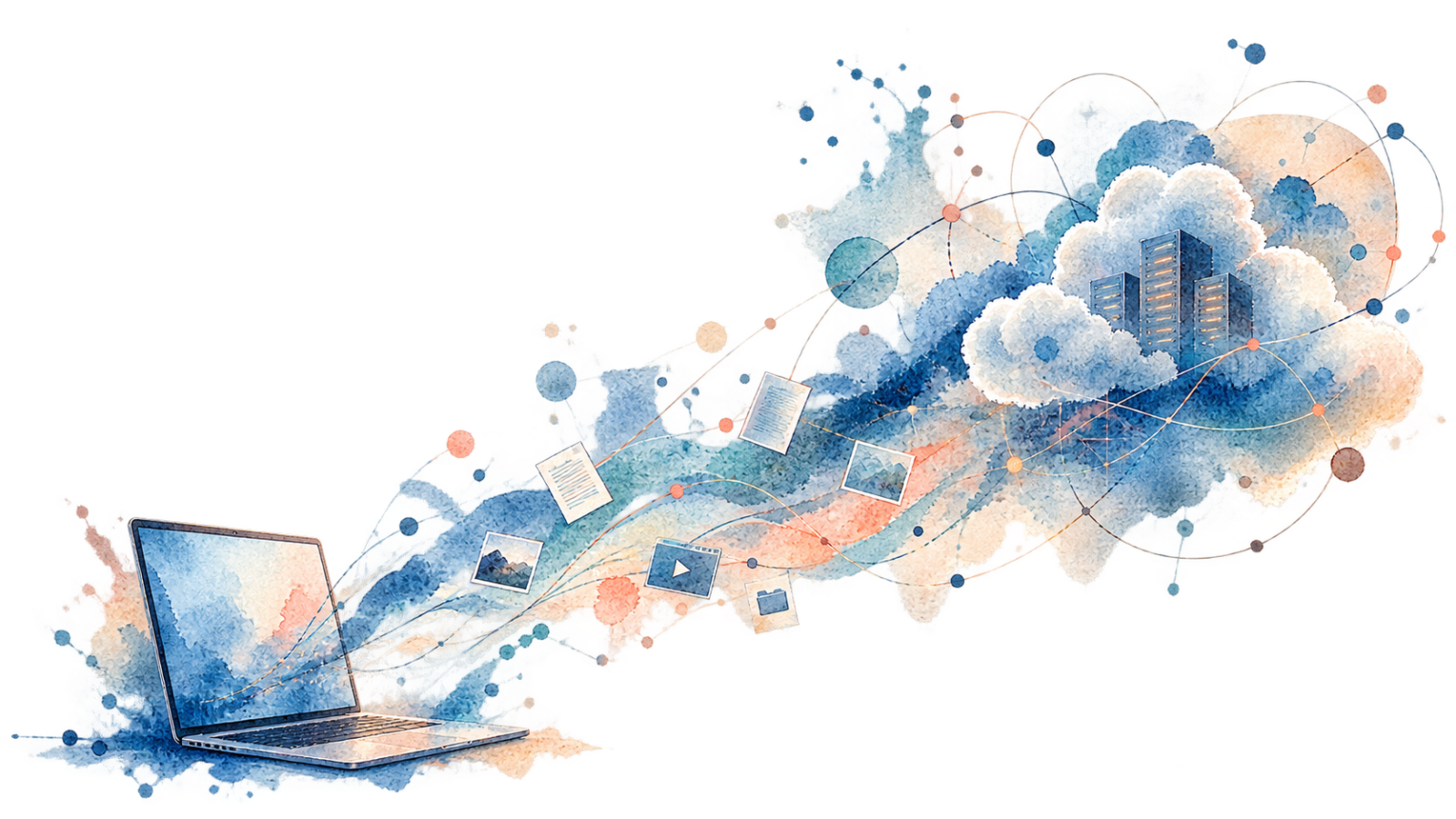
There was a time when buying a computer meant buying a fairly self-contained piece of your digital life. Your programs were installed on its hard drive, your documents lived in folders somewhere inside it, your photographs were copied onto it from a camera, and your music collection occupied a surprisingly large amount of storage. If you wanted something from another computer, you moved it yourself, usually with a disc, a USB drive or whatever other removable storage happened to be convenient at the time.
The arrangement had plenty of weaknesses. A failed hard drive could destroy years of photographs. Moving to a new computer could take an entire weekend. Keeping the same files on two machines usually meant creating duplicates and eventually discovering that you had edited the wrong copy. Backups were something everyone knew they should make and many people didn’t make often enough.
Still, the relationship was easy to understand. The computer wasn’t merely the device through which you reached your digital life. To a large extent, it was where that digital life actually lived.
Cloud computing gradually changed that relationship without requiring us to notice the moment it happened. We still buy laptops with processors, memory and storage, and we still describe files as being “on” our computers. Yet a modern machine increasingly sits inside a much larger environment of accounts, remote storage, synchronized data, subscription software and online services. The laptop remains important, but it is no longer necessarily the center of the system.
That change has made computing considerably easier. It has also made the question of what it means to own a computer more complicated than it used to be.
The Computer Used to Be the Place
Older personal computers had an obvious sense of location. A Word document was on the hard drive. A photograph was in a folder. An application was installed locally. If a file wasn’t on that computer, you generally couldn’t open it until you physically moved it there.
This made computers inconvenient in ways that are easy to forget. Owning a desktop and a laptop often meant maintaining two partially overlapping digital lives. Files copied between them could drift apart. Email behaved differently depending on how it was configured. Browser bookmarks, application settings and other small pieces of personal context didn’t automatically appear everywhere.
The upside was that the boundaries of the machine were relatively clear. You could disconnect a computer from the network and much of its usefulness remained intact. The files were still there, the programs still opened and the operating system didn’t need to ask a distant server where your documents were supposed to be.
Modern computers haven’t lost that ability entirely, but the default experience has moved in another direction. The physical machine is increasingly only one place from which a larger digital environment can be reached.
This is the deeper significance of cloud computing for ordinary users. The cloud isn’t simply a remote hard drive or a collection of servers somewhere else. It changes where we understand the center of computing to be.
Your Files Can Be on the Computer Without Really Being There
Open Finder on a Mac using iCloud Drive, File Explorer on a Windows PC connected to OneDrive or Google Drive for desktop and everything can look reassuringly familiar. There are folders, filenames and icons arranged much like the local files people have used for decades.
Underneath that familiar interface, however, the file may have a different relationship with the machine.
Apple’s iCloud Drive can keep files and folders synchronized across devices signed into the same Apple Account. Desktop and Documents folders can also be stored through iCloud so that the same files appear across Macs and other devices. Microsoft describes a similar model for OneDrive, where files can appear inside the normal file system while being synchronized with cloud storage. Google Drive for desktop goes so far as to distinguish between mirrored files, which maintain a complete local copy, and streamed files, which can primarily live in the cloud while still appearing inside the desktop environment.
For users, this is mostly excellent design. We shouldn’t need to think about which server contains a document every time we open it. The system presents cloud storage through the familiar language of files and folders because that is how people already understand computers.
Yet the interface also hides an important change. Seeing a file icon is no longer enough to tell us precisely where the complete file exists. It may be local, synchronized, cached, available on demand or primarily stored somewhere else.
The folder still looks like a folder. Its philosophy has changed.
The Account Is Becoming More Permanent Than the Computer
One of the easiest ways to see this change is to replace a computer.
Years ago, getting a new machine often meant transferring the old one. The computer contained the information, so the information had to travel from one piece of hardware to another. A new machine felt empty because it really was empty.
Today, setting up a computer increasingly means signing in.
Once the relevant accounts are connected, files begin appearing, browser information returns, email comes back, calendars populate, photographs become available and cloud-connected applications reconstruct parts of the environment that existed on the previous device. Depending on the ecosystem and applications being used, the new computer can begin feeling familiar remarkably quickly.
This is a major improvement. A laptop can fail, be lost or simply become too old without taking someone’s entire digital history with it. The device becomes replaceable in a way that a computer containing the only copy of ten years of personal data never could be.
It also creates an interesting reversal. The computer used to be the persistent thing and online services were things it connected to. Increasingly, the account and ecosystem are persistent while the computer is replaceable.
Buy another Mac, sign into the same Apple Account and iCloud can reconnect much of the environment. Move between Windows machines with the same Microsoft services and OneDrive can perform a similar role. Someone working primarily through Google services can switch between machines while many of the things that matter remain attached to the Google account rather than to a particular piece of hardware.
The computer is still ours. Much of its continuity is no longer stored inside it.
This Is Why the Cloud Became So Useful
It is easy to become nostalgic about local computing until something goes wrong.
A hard drive containing the only copies of important files is a form of independence, but it is also a single point of failure. Keeping everything local gives the owner control over storage, yet it also gives the owner responsibility for making sure that storage survives.
Cloud systems remove a surprising amount of that burden. They make synchronization routine, allow files to follow users between devices and reduce the importance of any individual computer. Collaboration also becomes much easier when a document is no longer treated as an object that has to be copied and emailed between people.
The benefit becomes even clearer when someone uses several devices. A photograph taken on a phone can appear on a laptop without anyone thinking about file transfer. A document edited on one machine can already contain those edits when opened somewhere else. Notes, passwords, browser tabs and other pieces of personal context increasingly behave as parts of an environment rather than possessions of one particular device.
Once computing works this way for a while, returning entirely to manual local storage can feel strangely primitive. The cloud succeeded because it solved genuine problems, not because technology companies somehow convinced everyone to give up perfectly convenient local systems.
The trade becomes interesting because many of those benefits exist precisely because the computer has stopped being completely independent.
We Didn’t Lose Local Computing. It Became One Layer of Something Larger
It would be inaccurate to say that our files no longer live on our computers. Many still do, and modern cloud systems often provide ways to maintain local copies. The relationship is better understood as a spectrum rather than a clean break between local and cloud computing.
Google Drive’s distinction between streaming and mirroring is a particularly clear example. A mirrored file exists as a full local copy as well as in cloud storage. A streamed file can behave much more like a remote resource presented through the local file system. One approach uses more device storage and provides greater local independence, while the other saves space and places more of the storage relationship in the cloud.
OneDrive similarly allows files to be available locally or on demand, while Apple’s ecosystem can optimize device storage so that cloud-based versions remain available even when full local copies aren’t occupying the same amount of space on the machine.
These aren’t obscure technical choices anymore. They represent different answers to a basic question: how much of the computer should actually have to be on the computer?
For someone with a laptop containing limited storage and a fast internet connection, keeping everything locally can feel wasteful. For someone who values offline availability and independent backups, a complete local copy may be essential. Neither approach is universally correct because they optimize for different priorities.
What has changed is that local possession is no longer assumed simply because something appears in the computer’s file system.
Owning the Hardware Is Not the Same as Controlling the Environment
This is where cloud computing begins to overlap with the broader question of digital ownership.
A laptop is one of the clearest things we still buy outright. You pay for the machine and take it home. Unlike a streaming catalog or cloud subscription, there is little ambiguity about who owns the physical object.
But ownership of the object no longer necessarily gives complete control over the digital environment that makes the object useful.
The applications may depend on accounts. Files may be synchronized through services. Paid storage may contain more data than the laptop itself can hold. Professional software may depend on subscriptions. Passwords, photographs, messages and settings can become deeply integrated into an ecosystem that extends far beyond the hardware.
This doesn’t make the laptop somehow fake or rented. The distinction is subtler than that. We own the computer while increasingly accessing parts of our computing life through systems we don’t own.
That creates a form of technological dependence that looks very different from the physical ownership problems of the past. A computer can remain fully functional as hardware while losing access to parts of the environment around it. The machine belongs to us. The ecosystem doesn’t.
Cloud Computing Made Ecosystems Much More Powerful
Closed technology ecosystems existed before the modern cloud, but cloud services gave them a much deeper role.
A company can make several devices work well together through compatible hardware and software. Once cloud synchronization is added, however, the ecosystem can begin carrying the user’s digital life between those devices as well.
This is part of why open and closed ecosystems are no longer simply about whether one accessory works with another. The ecosystem increasingly includes identity, storage, applications, subscriptions, photographs, communication and personal data accumulated over years.
That can create an excellent experience. A new device becomes more useful because it joins an environment that already knows where files are, which accounts are being used and how other devices fit into the system. The more pieces work together, the less time the user spends managing the connections between them. The same accumulated value can make switching more complicated.
Moving from one laptop brand to another is easy when the laptop is primarily a standalone machine. Moving away from an ecosystem is different when years of photographs, synchronized files, passwords, subscriptions and workflows have grown around it. The hardware may be replaceable while the environment around it has become much more difficult to replace.
This is why ecosystem lock-in isn’t always created by an obvious restriction. Sometimes it emerges naturally from convenience. Every useful connection makes the system better while also giving the user another reason not to dismantle it.
The Cloud Can Give Us More Freedom Too
There is another side to this that deserves more attention. Cloud dependence and ecosystem dependence are not always the same thing.
The cloud can actually make hardware choice less important.
A person whose work is stored in broadly accessible online services may be able to move from one computer to another more easily than someone whose workflow depends heavily on software and data tied to a specific machine. Web applications can work across operating systems. Cloud files can be accessible from several platforms. A browser can become a surprisingly capable layer between the user and the underlying computer.
In that sense, cloud computing can weaken one kind of lock-in while creating another.
We may become less dependent on a particular laptop but more dependent on the account and service behind it. Hardware becomes interchangeable while the platform becomes persistent.
This is a useful reminder that technology is rarely neutral in the relationships it creates. Moving something into the cloud doesn’t simply make it more or less free. It changes where the dependency sits. The old dependency was often physical: the data was trapped on a particular drive unless we moved it.
The new dependency can be institutional: the data is available everywhere, provided the service and account remain part of the relationship. For many users, the second arrangement is considerably better. It still deserves to be understood for what it is.
Offline Still Reveals Where the Boundaries Are
One of the simplest tests of modern computing is to disconnect it from the internet.
A good cloud-enabled computer doesn’t suddenly become useless. Locally available files remain accessible, many applications continue working and offline modes can preserve far more functionality than the phrase “cloud computing” might suggest.
Still, the experience begins revealing which parts of the system were never really contained inside the machine.
A streamed file that hasn’t been downloaded may be unavailable. A web application obviously needs a connection. Collaboration disappears. Synchronization stops. Certain subscription services need periodic communication with their providers, while AI features increasingly depend on remote models that may not exist locally at all.
This doesn’t mean offline capability should be some ideological requirement for good software. Many useful services make no sense without a network. A video call cannot become meaningfully local, and a collaborative document loses part of its purpose when nobody else can reach it.
Offline behavior is useful because it shows us where the boundary between the computer and the surrounding infrastructure actually sits. That boundary has moved remarkably far outward.
AI Is Likely to Move It Further
Artificial intelligence may accelerate this transition more than any other recent development in personal computing.
Some AI models can run locally, and increasingly capable hardware is making on-device AI more practical. But many of the most capable systems still depend on enormous infrastructure that no personal laptop is expected to reproduce on its own.
This means a computer can gain capabilities that seem to belong to the machine even though the actual computation happens somewhere else. The interface is local, the keyboard is local and the application may be local, but the intelligence responding to the user can exist in a data center hundreds or thousands of kilometers away.
That is an unusually clear example of how difficult it has become to define the boundaries of a computer.
In the traditional model, buying a faster computer directly increased what the machine could calculate. In a cloud AI model, an ordinary computer can gain access to computational resources and models far beyond anything contained in its hardware.
The advantage is obvious. Users can access capabilities that would be impossible to run locally at the same quality or scale.
The consequence is equally important: some of the most valuable capabilities of the computer may now be services that the owner does not possess at all. The personal computer is becoming powerful partly because it can reach beyond itself.
What Happens If You Leave?
The real test of an ecosystem is often not how easy it is to join, but how difficult it is to leave.
Cloud platforms generally provide ways to download files, and interoperability has improved enormously compared with the early days of many online services. Standard formats still matter, export tools matter and keeping local copies remains possible for many kinds of data.
The difficulty is that a digital environment consists of more than files. A folder full of documents is relatively easy to move. Years of integrated behavior can be harder. Shared libraries, collaboration permissions, application-specific metadata, synchronized settings, photo organization and workflows built around several interconnected services may not transfer cleanly simply because the underlying files can be downloaded.
This is why data portability is not quite the same thing as ecosystem portability. You may be able to take the photographs while leaving behind the way they were organized. You may export the documents while losing parts of the collaboration structure around them. You may move files successfully and still discover that applications, links and routines built around the old platform no longer behave the same way.
A good ecosystem makes joining attractive because everything works together. A responsible ecosystem should also make leaving realistically possible when the user decides that the bargain no longer works for them.
The freedom to leave doesn’t require every platform to behave identically. It requires the user’s accumulated digital life not to become unnecessary leverage against them.
Maybe the Computer Is Becoming a Portal
The phrase personal computer originally described something quite radical. Computing power that had belonged to institutions and large organizations became something an individual could own, control and keep on a desk at home. The machine itself mattered because the computing happened there.
That idea hasn’t disappeared, but its meaning is changing. A modern laptop is still an extraordinarily capable local computer, yet much of the experience surrounding it is built around resources that exist beyond it. Files move between devices, applications depend on services, identity follows an account, media comes from streaming platforms and increasingly sophisticated computation can happen remotely.
The computer is becoming less like a container for a digital life and more like a portal into one. That isn’t necessarily a loss. In practical terms, the modern arrangement solves problems that defined personal computing for decades. Computers are easier to replace, files are easier to synchronize, collaboration is normal rather than exceptional and losing a device doesn’t automatically mean losing everything stored on it. What we have traded for that convenience is a certain kind of independence.
This is similar to many of the bargains found throughout modern technology. The interesting question is not whether the cloud is good or bad, but which parts of our digital lives we want to delegate to systems outside our direct control and which parts we still want to keep close.
Owning a Computer Now Means Owning Part of the System
Perhaps the biggest mistake would be to treat cloud computing as though it somehow made personal computers irrelevant. The opposite has happened in many ways. Modern laptops are extraordinarily capable, and local processing remains important for performance, privacy, reliability and independence.
The difference is that the laptop no longer tells the whole story. We can own the processor, storage, screen and keyboard while our photographs are synchronized through one company, our documents through another, our professional applications through a subscription and some of our most advanced computing through remote services. The device is ours, but the experience is assembled from relationships with systems that extend beyond it.
That makes ownership more layered than it used to be. A computer twenty-five years ago could be frustratingly isolated, but its boundaries were easy to understand. A computer today can connect us to an environment vastly larger and more resilient than anything that fits inside its case. In exchange, understanding where our files, capabilities and dependencies actually live requires more attention.
The cloud didn’t take ownership of the computer away from us. It changed what owning the computer gives us control over.
That may be the most important difference. The personal computer is still personal, but increasingly the most personal parts of our digital lives are no longer contained entirely inside it. They exist across devices, accounts, platforms and services that continue working long after we close the laptop lid.
The old computer was a place where our digital world lived. The modern computer is increasingly the place from which we enter it.